
Aki Dev Sync: macOS app for local-remote code sync
Two-way code sync over rsync/ssh between local and remote machines, real Claude Code and Antigravity quota in the app, no junk commits just to move files.
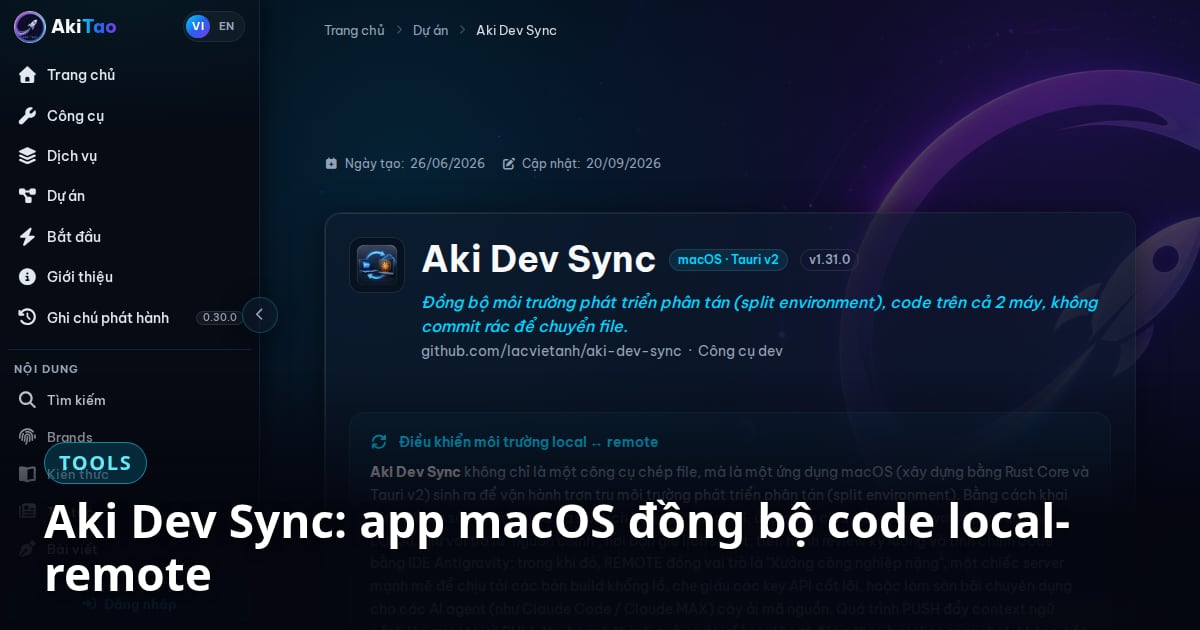
Aki Dev Sync is a macOS app (Apple Silicon and Intel) that syncs code two ways between a local machine and a remote server over rsync and ssh, and shows real Claude Code and Antigravity quota right inside the app. The app keeps your local machine as the source of truth for Git, pushes code to a remote box for an AI agent to work on, then pulls the result back for you to review and commit. No junk commit exists purely to move files between two machines.
What is Aki Dev Sync, and why shouldn't you commit code just to sync machines?
Running an AI agent like Claude Code on a server stronger than your laptop is a reasonable choice, but moving code back and forth is usually solved the worst way: a throwaway commit, push, pull, then deleting that commit. Git history fills with noise, and every round of AI-generated code on the remote adds another manual cleanup pass.
Aki Dev Sync replaces that whole loop with direct rsync PUSH/PULL. PUSH sends source code from local to remote (including .git/ by default, so the AI reads full history). PULL brings back whatever the AI just generated, and you preview it with DRY RUN before committing. The local machine never stops being the source of truth; the remote is just where the work runs.
Versions 1.26 to 1.28: from a sync utility to an app you can leave running all day
- ◆1.26.0 (2026-08-17): F1/F2/F3 window-view shortcuts, an Ultra 1400px preset for wide screens, and a Donate modal.
- ◆1.27.0 (2026-08-18): F12 to pin the window always on top, and F2 turned into a toggle between Ultra and Narrow.
- ◆1.28.0 (2026-08-19): a Glass Effect toggle; the data directory moves to
~/.aki/devsync/with an auto-migration verified on real hardware, so existing users do nothing; idle GPU usage drops from roughly 95% to roughly 25%; F1–F3 keep working while typing in the built-in terminal; and the parent session'sCLAUDE_CODE_CHILD_SESSIONenvironment variable no longer leaks into shells the app spawns. - ◆1.28.1 (2026-08-20): ⌘C copies the terminal selection, and terminal tab shortcuts repeat instead of firing only once.
Why 1.28.0 is more than a routine patch
The three 1.28.0 fixes address three different problems of an app that runs all day. GPU: the backdrop-filter blur on always-visible chrome was the largest idle GPU cost; it is now off by default and comes back only through Glass Effect. The ~95% to ~25% figure was measured with Activity Monitor's GPU History on the author's Mac. Shortcuts: xterm used to swallow the function keys before the app could handle them; now F1–F3 and F12 reach the app while the terminal is on a normal shell screen, while full-screen programs such as vim or htop still receive their keys as before. Environment: portable-pty inherits the parent process environment by default, so when the app was launched from inside a Claude Code session, CLAUDE_CODE_CHILD_SESSION=1 leaked into every terminal tab and silently disabled transcript saving for any claude CLI run there.
The auto-migration to ~/.aki/devsync/ was verified on real hardware before shipping: it copies file by file, deletes a source only once its copy succeeds, and a second launch does nothing. A data-layer change should not make users move files by hand.
Real AI quota, not a token estimate
For Claude Code, the app reads rate_limits (the 5-hour and 7-day windows) emitted by Anthropic's own CLI through the statusLine hook after every turn, on the local machine or over SSH to a remote host. When you hit the limit, the CLI drops the rate_limits block entirely, so the app's script merges the last known reset time and pins 100% so the progress bar does not vanish exactly when you need it.
For Antigravity, the app does not call Google's cloud endpoints (they return dead 0% data). Instead it reads Antigravity's local Language Server: it scans the process table for the binary, extracts its CSRF token, finds the listening port with lsof, then calls the GetUserStatus Connect RPC, in about 40ms.
Alongside that sits the Statusline Customizer: a visual builder for one statusline script shared by Claude Code CLI and Antigravity CLI, with selectable fields, drag-to-reorder, a 5-tier color ladder, pushed to the local machine and every configured SSH host.
Installing it
Download the latest .dmg from the GitHub Releases page: Aki-DevSync-vX.X.X.BUILD-arm.dmg for Apple Silicon, or the -uni.dmg for both Intel and Apple Silicon. Open the .dmg and double-click Install Aki Dev Sync.command; do not drag the app into Applications by hand, because a dragged copy is unsigned. The installer creates a self-signed certificate in your keychain (first time only), signs the app, copies it into Applications and launches it; later updates reuse that certificate, so macOS does not ask for folder permissions again. If macOS blocks the .command file, READ ME.txt inside the .dmg walks through it.
Requirements: rsync and ssh on your PATH (preinstalled on macOS), plus an SSH host you already have access to. The Vue 3 and Rust/Tauri v2 source is public on GitHub.
The app menu has an install entry for AkiDevRule, the AI-agent coordination rule set Aki Dev Sync follows during development (its 1.26.0 changelog cites agent.C3 and coding.B4 directly). See also aki-mcp-sv, the Aki-ecosystem MCP server that exposes a personal machine's filesystem and shell to web AI.