
aki-mcp-sv: filesystem and shell MCP server for Claude, ChatGPT, Grok
A self-hosted MCP server exposing a personal machine's filesystem and shell to web-based AI over Tailscale Funnel and OAuth 2.1, with a shell whitelist.
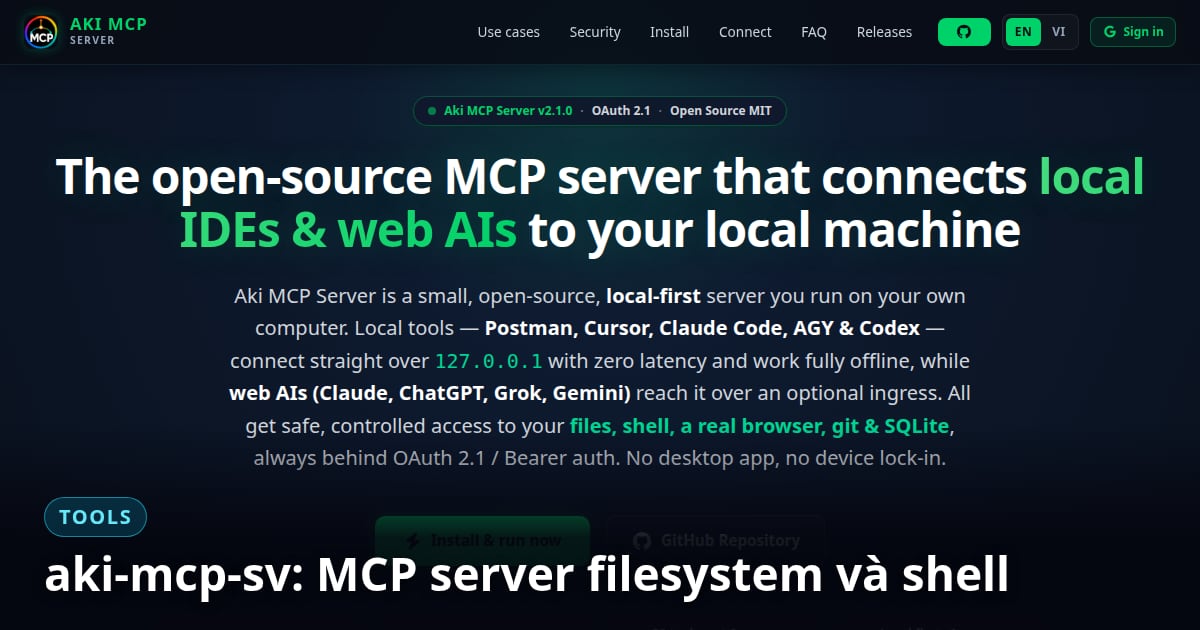
Lac Viet Anh's aki-mcp-sv is an MCP (Model Context Protocol) server that exposes a personal machine's filesystem and shell to web-based AI, routed over Tailscale Funnel and authenticated with OAuth 2.1. There is no desktop app to install, and quota is not locked to a device. Since the first public release on 2026-08-07, the project has moved from 1.0.0 to 3.0.0 (2026-10-07); version 2.1 was the local-first release (see AkiMCP 2.1).
Why this project exists
A Claude web/Pro subscription is much cheaper than paying per token via the API for the same amount of work, but most real work happens inside a project: reading, editing, and running commands on real files, not open-ended chat. Claude Desktop already does that, but it ties quota to a device ID the user doesn't control.
aki-mcp-sv solves this by running an MCP server on the machine, exposing it over HTTPS via Tailscale Funnel, and connecting it to claude.ai or ChatGPT as a custom connector. The result is local file and shell access straight from the browser, billed against web quota, with no app install and no account lock-in.
Ten releases in six days
- ◆1.0.0 (2026-08-07): the first public build, scrubbed of every hardcoded path specific to the author's machine so anyone can clone and run it.
- ◆1.1.0 (2026-08-08): a ChatGPT connector that self-registers via RFC 7591 (contributed through a PR by capybara/okdev888), plus one unified architecture across Windows, Linux and macOS.
- ◆1.2.x (2026-08-09): Gemini and Grok connectors alongside the Kiro CLI arm, and the read-only hole in the shell allowlist closed by dropping find/sort from the default command set entirely.
- ◆1.3.0 (2026-08-10): trusted script directories as a second axis of trust beside the name allowlist; a chip-based allowlist UI; kiro_write removed because it overlapped the session's own file-write path.
- ◆1.4.0 (2026-08-11): panel onboarding redesigned to follow the real setup flow, separating shared values from the per-client tabs for Claude, Grok, ChatGPT and Gemini.
- ◆1.5.0 (2026-08-12): eight tool processes consolidated down to four, every arm grouped under a single server named
local; tools renamed tolocal__run_cmd,local__find_path,local__search_content,local__agy_run,local__kiro_read. Existing connectors have to reconnect. - ◆1.6.0 (2026-08-12): every
npm startnow checks for new releases of both aki-mcp-sv and AkiDevRule; the paste-in instruction carries version numbers, so the model itself tells you when the text you pasted has gone stale.
How it differs from similar MCP servers
Desktop Commander, the most popular MCP terminal server for Claude Desktop, runs locally over stdio and blocks shell commands with a blocklist: it lists forbidden commands and allows everything else by default, and was not designed to be exposed to the internet. Anthropic's official filesystem server also only runs locally and has no shell tool at all. aki-mcp-sv takes the opposite approach on both counts: a whitelist instead of a blocklist, and self-hosting to the internet instead of staying local-only.
Since 1.10.0, all tools run inside a single Node process; tool names keep the local__ prefix and include the file tools (local__read_text_file, local__write_file, local__edit_file...), local__run_cmd, local__find_path, and local__search_content. Before that, 1.5.0 consolidated eight tool processes down to four. Claude, ChatGPT and Grok are the three clients that connect reliably; Gemini authenticates but doesn't yet drive tools reliably. Requirements: Node.js 22, plus Tailscale with Funnel enabled (free on every plan) or an alternative ingress: a Cloudflare tunnel or PUBLIC_ORIGIN.
What about using it as a cloud-triggered job runner?
Grok self-registers its client via DCR, so you only paste the MCP URL. Paired with Grok Automations, a personal machine becomes an unattended job runner: at the scheduled time xAI's cloud calls your Funnel URL and aki-mcp-sv runs the real job on the machine, from health checks to log sweeps, git pull and temp cleanup. All the machine needs is npm start in the background, no open tab and no desktop app.