
Introducing AkiTao Tools and Favicon Generator
AkiTao Tools is AkiTao's first tool branch. Favicon Generator turns one logo into a 7-file set (5 core, 2 for SEO) plus HTML snippet, all in the browser.
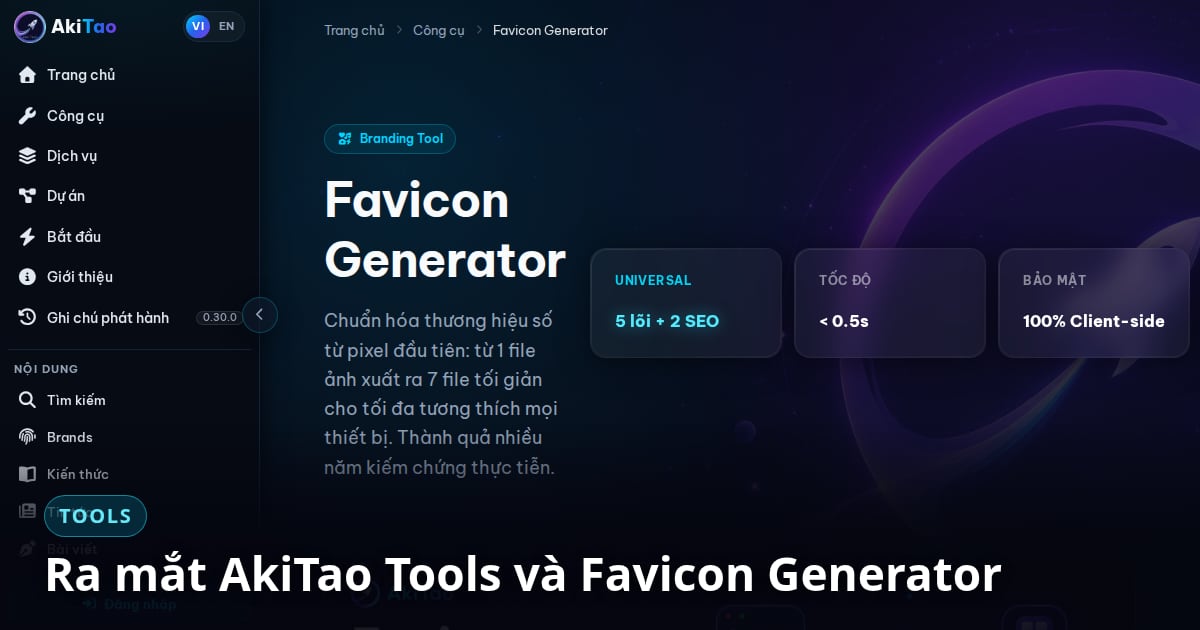
AkiTao Tools is the first tool branch of AkiTao: small jobs that a digital brand must get right, packaged as something you can do right now. Not every business needs to start with a large consulting project, but every brand needs its small touchpoints done properly.
The first tool is Favicon Generator, because your logo appears in more places than the browser tab: the iOS home screen, Android, PWAs and the manifest.
Why start with the favicon?
A favicon does not create brand strategy, but it is part of brand consistency. A distorted icon, a missing file, a wrong background or a poor mobile fit makes the brand look careless at the very first layer users see.
What does the tool produce?
Drop in a PNG or JPEG logo (a transparent PNG works best). The tool returns a ZIP of 7 files plus an HTML snippet to paste into your <head>:
- ◆
favicon.ico(16×16 and 32×32): browser tab and bookmarks - ◆
icon-48.pngandicon-96.png: extra sizes for SEO and discoverability - ◆
icon-192.png: fallback icon for PWAs - ◆
icon-512-maskable.png: Android adaptive icon and splash screen, with the logo inside the 80% safe zone - ◆
apple-touch-icon.png(180×180): iOS, with an opaque background so the corners do not turn black - ◆
manifest.json: declarestheme_color,background_colorand the purpose of each icon
Where does it run, and what does it skip?
All processing runs in the browser and the image is never uploaded to a server. Resizing uses Rust WebAssembly with Lanczos3 interpolation.
The tool deliberately skips dark-mode variants, Open Graph images, monochrome badges and Windows tiles. The reasoning for each is in What is a favicon and why does it matter for digital branding.