
Grok Automations: AI runs and connects your apps once you leave
Grok Automations (xAI, 16 Jul 2026) run on a schedule or email trigger. Scheduled runs are free for every account; results go to run history, email or app.
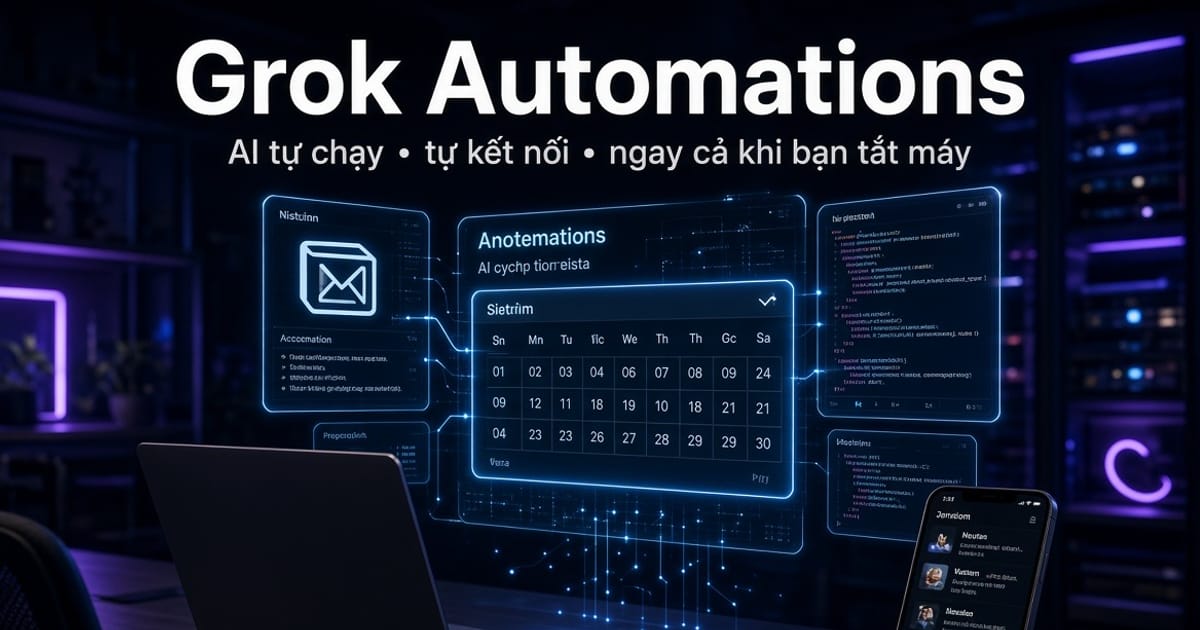
xAI launched Grok Automations on 16 Jul 2026: describe a job once, then pick a schedule (once, daily, weekdays, weekly, monthly or yearly, in your timezone) or an email trigger. Scheduled automations are free for everyone. Email triggers are included with SuperGrok. Automations are available on grok.com and in the Grok apps for iOS and Android.
Runs on the server, independent of your tab
When an automation fires, Grok opens a real conversation, does the work and saves the result to run history. You can reopen that conversation, and you choose how it reports back: email, app notification, both, or neither.
Type @ in the prompt to mention a connector, and Grok uses it on every run. The job runs on Grok's side, so you do not need to keep a tab or the app open.
Practical use-cases
- ◆A tech and market brief ready before you wake up
- ◆A summary of unread email and calendar conflicts
- ◆A weekly report on a competitor or a topic you monitor
- ◆Handling a new email that matches a sender, recipient or subject filter (SuperGrok)
Quick start
Go to grok.com/automations, write the prompt like a chat message, attach files or connectors if needed, then pick a schedule.
Want an Automation that runs real work on your own machine?
Automations run on xAI infrastructure, so out of the box they only reach cloud connectors. To let one touch your actual machine, meaning read files and run commands, you need a self-hosted MCP bridge. aki-mcp-sv does exactly that: it exposes a personal machine's filesystem and shell (commands gated by a whitelist) over HTTPS through Tailscale Funnel.
Grok self-registers its client via DCR, so you only paste the MCP URL, no Client ID like Claude needs. Once connected, a cloud-triggered Automation can run real jobs on your machine: health checks, log sweeps, git pull, temp cleanup. The machine only needs npm start in the background, no open tab and no desktop app.