
aki-mcp-sv 1.9: standalone launcher, no Node install
aki-mcp-sv 1.9 ships a standalone launcher: download and run, no Node install, pick one of three public edges, plus a new filter/sort panel.
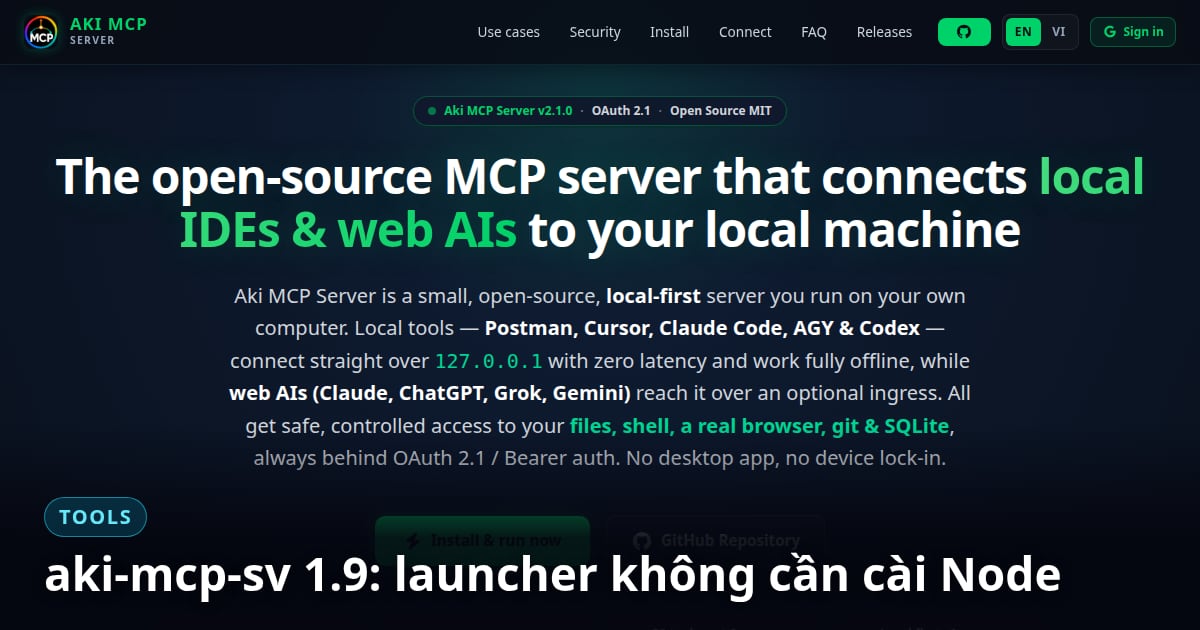
aki-mcp-sv 1.9.3 (2026-08-16) packages the self-hosted MCP server into a standalone launcher: download the file, run it, done — no more installing Node.js first. This closes a run of six releases in two days (1.8.0 → 1.9.3), each removing one specific friction point on the road from "run via npm start" to "download and run".
Can aki-mcp-sv run without installing Node?
Yes, as of 1.9.0 (2026-08-16). Version 1.8.0 (2026-08-15) only added the packaging script, and only the macOS path was built; 1.9.0 added a GitHub Actions workflow that builds a launcher for each operating system. The launcher bundles its own Node runtime, so Node.js does not need to be installed: download the file for your OS, run it, and the server starts.
The three ways to expose the server to the internet are unchanged from 1.7.0: Tailscale Funnel (default), a self-run Cloudflare tunnel via --tunnel, or your own HTTPS origin via PUBLIC_ORIGIN. See the full breakdown in the 1.7.0 release article.
1.8.0 also added a 3-tab ingress picker directly in the setup panel (Tailscale Funnel, your own public origin, or a hosted domain), so you do not need to memorize command-line flags, plus .env file support for local configuration.
An easier panel: filter, sort, live folder scope
1.9.0 (2026-08-16) added a filter box for the list of allowed shell commands in the control panel, and the folder list now sorts alphabetically on save.
Folder scope can be changed while the server is running, with no restart, for shell, find_path, and search_content. The file read/write tools still needed the "Apply to file tools" button (which restarts the hub) until 1.10.0.
The filesystem MCP server is also launched directly with node instead of npx -y, so at runtime it no longer needs the npm registry or npx on the PATH.
Is it safe to download and run the launcher on an unfamiliar machine?
Both macOS and Windows automatically warn about files downloaded from the internet before letting them run — this is normal OS behavior, not a sign the launcher is broken. On macOS, Gatekeeper asks for confirmation before opening an unsigned file; on Windows, SmartScreen shows a similar warning; on Linux, the file needs chmod +x before it can execute. 1.9.3 documents all three steps directly in the README so first-time users don't get stuck.
- ◆1.9.1: fixed standalone launchers shipping without the
public/directory, which made the panel render blank and unstyled on first open. - ◆1.9.2: renamed release assets from
-app.zipto-payload.zipso nobody mistakes it for the end-user download — release notes now say plainly "pick your OS file". - ◆1.9.3: rewrote the README, moving Install ahead of roughly 120 lines of background theory; fixed three newbie-facing snags: GitHub's "Download ZIP" button producing a source archive that cannot run, the OAuth confirm page sending people to hunt for a hidden passphrase file instead of the value already shown in the panel, and nothing telling users that rerunning the same launcher file restarts the server.
The 1.9.0 release workflow builds the launcher and payload through GitHub Actions, then smoke-tests each operating system (booting the real launcher with Node stripped from the PATH) before publishing.
The standalone launcher was removed in 1.13.0 (2026-09-03): installation is now git clone, npm install, npm start.
See the project introduction for the full picture, or the whitelist architecture analysis to understand why this server is safe to expose to the internet.